Cleared fault codes and readiness monitors after a vehicle repair
After a repair, read the fault-code list and the readiness monitor status as two separate parts of the diagnostic record. The code list shows stored faults…
After a repair, read the fault-code list and the readiness monitor status as two separate parts of the diagnostic record. The code list shows stored faults in the scope the tool is reading. Readiness shows whether the vehicle has run the relevant emissions self-tests. The information is most useful when you know which tests have been completed since the repair. OBD Auto Doctor guidance on readiness monitors
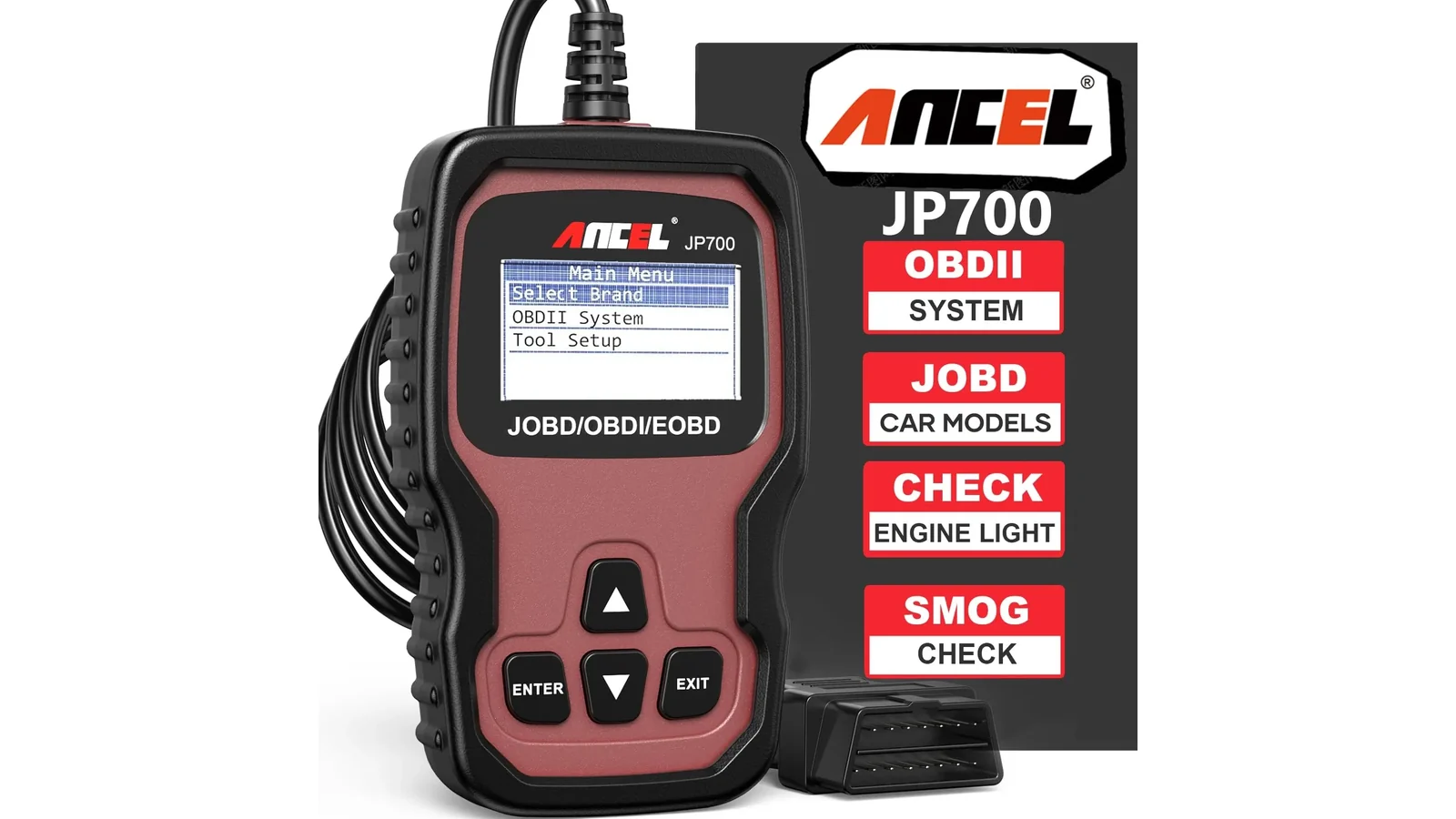
Record the starting information
Before you clear anything, save the fault codes and any available freeze-frame information that helps describe the original problem. Note which repair was carried out and when. That gives you a useful record to compare with a later scan or share with the person diagnosing a recurring issue.
Know what a reader’s clearing command can change
Some readers explicitly describe both clearing codes and resetting monitors. Autel lists those actions together for its AL519. After a reset, check the readiness screen so you can see which supported monitors have completed their self-tests. Use the vehicle manufacturer’s service information for the conditions it needs before those tests can run. Autel AL519 feature list
Compare the follow-up scan with the repair records
Look for any returning codes and note the status of the relevant monitors at the time of the follow-up. If a monitor has yet to complete, label that part of the record as pending and use the vehicle’s documented procedure or a technician’s advice to continue. The useful evidence after a repair is the combination of the repair record, the follow-up readings and the completed checks that are relevant to the original fault.